
Snip Snipping Tool Chrome Extension Convert API Secure Conversion Service
Make Documents Accessible Process Chemical Documents Collaborate on Documents Developer Solutions Train Language Models Support Academic Research Artificial Intelligence Fintech Edtech Pharma & Chemical Universities & Schools
Handwriting Recognition Digital Ink On-prem PDF Cloud Mathpix Markdown All Supported Languages Image Conversion PDF Conversion Markdown Conversion Table OCR Mathpix CLI PDF Search PDF Reader PDF Data Extraction Chrome Extension View Conversion Gallery
Snip Convert API SCS
Mobile Desktop Web Chrome Extension
Mathpix Snip Apps Convert API Mathpix Markdown Python SDK
About Blog Careers Contact
Get Started

PDF Reader

Digitize your research PDFs using OCR to create a knowledge repository that is readable on any device. Read PDFs comfortably on your phone without zooming.

  • HTML view for comfortable reading on any device
  • Works on scanned and digital PDFs
  • Cross-platform sync across all devices
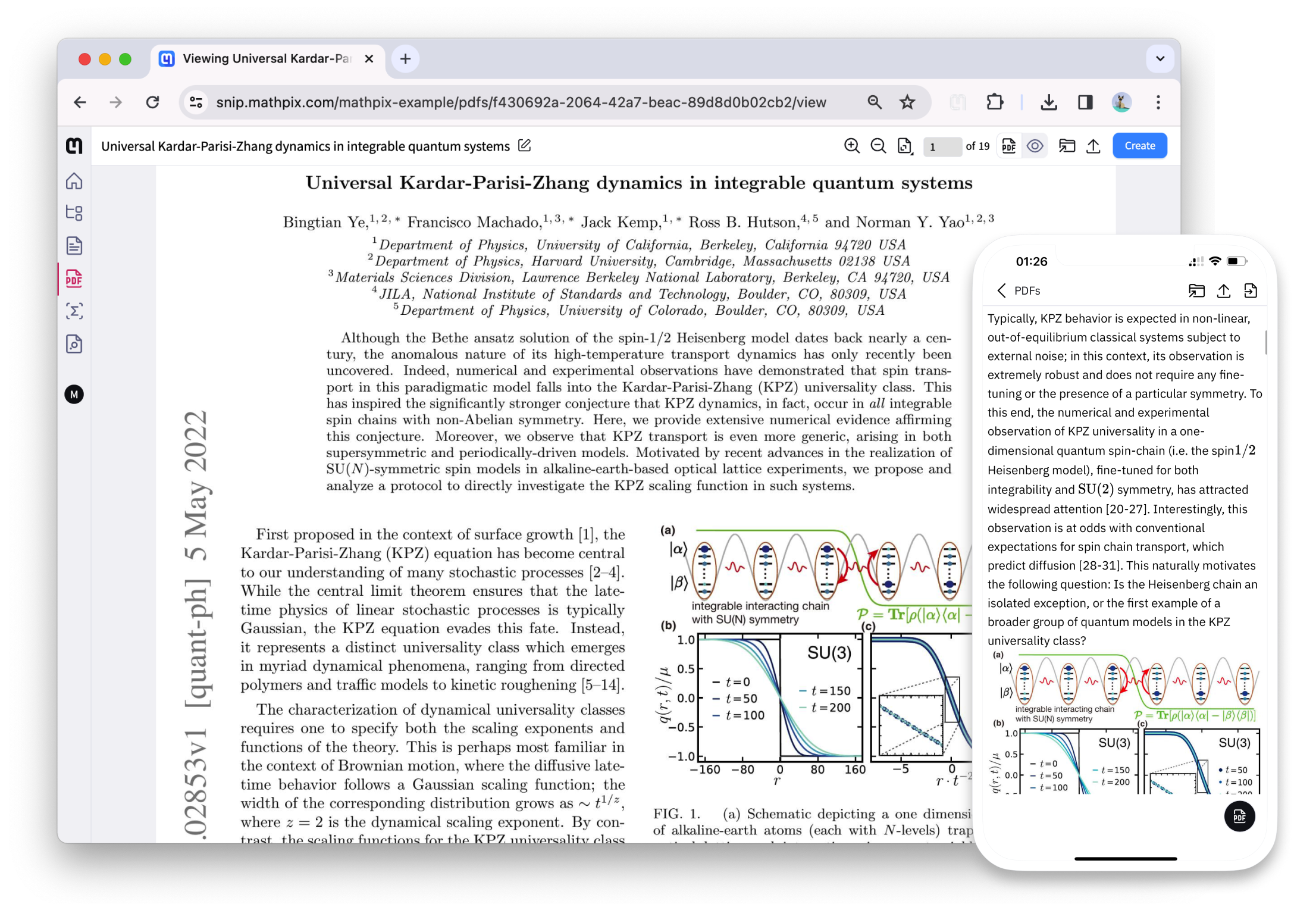
PDF Reader

How to convert PDF to Readable Content

1

Upload

Upload or drag your file into Mathpix Snip.

2

Convert

Mathpix automatically converts using AI-powered OCR.

3

Export

Export to Readable Content format or copy to clipboard.

Our PDF to Readable Content tools

Snip Web App

Snip Web App

Read and interact with any type of PDF file in a beautiful, responsive interface.

Go to Snip

Mobile Apps

Read converted PDFs comfortably on your phone with responsive HTML rendering.

Learn more