Mathpix Snip for Windows
Follow these steps to get started with the Snipping Tool.
Download for Windows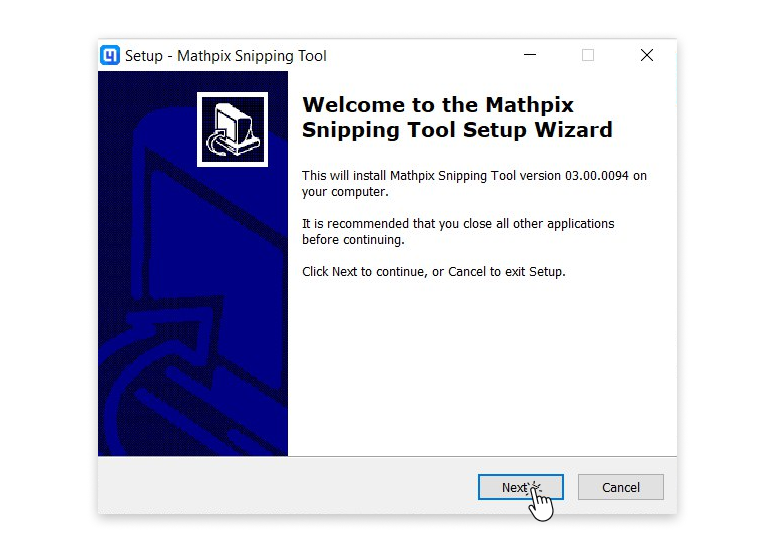
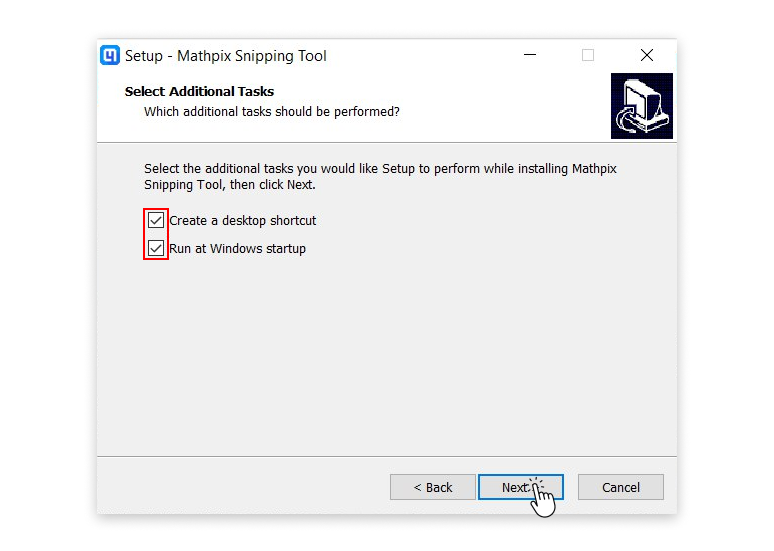
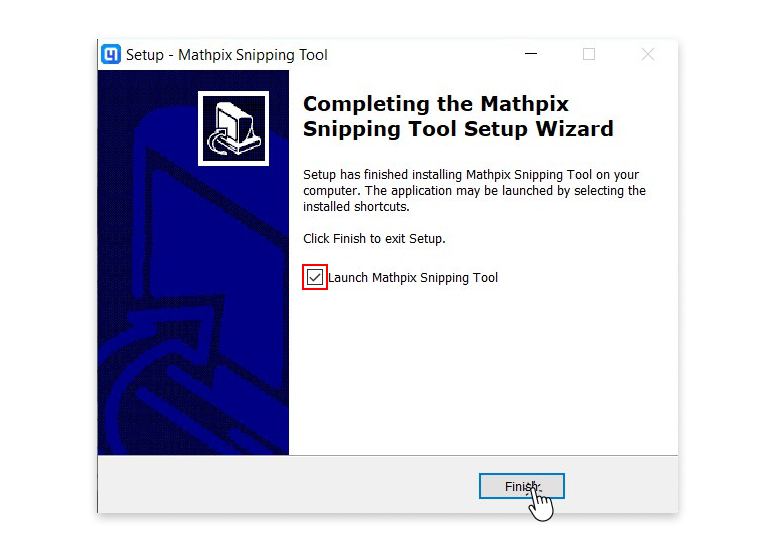
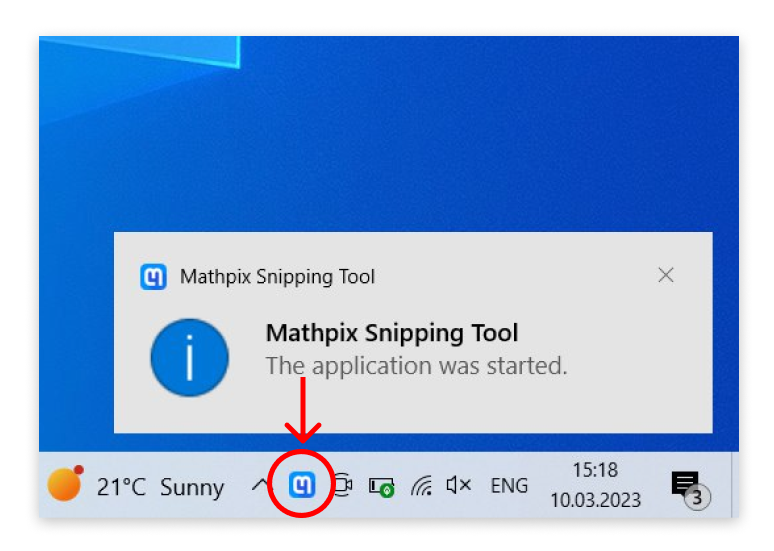
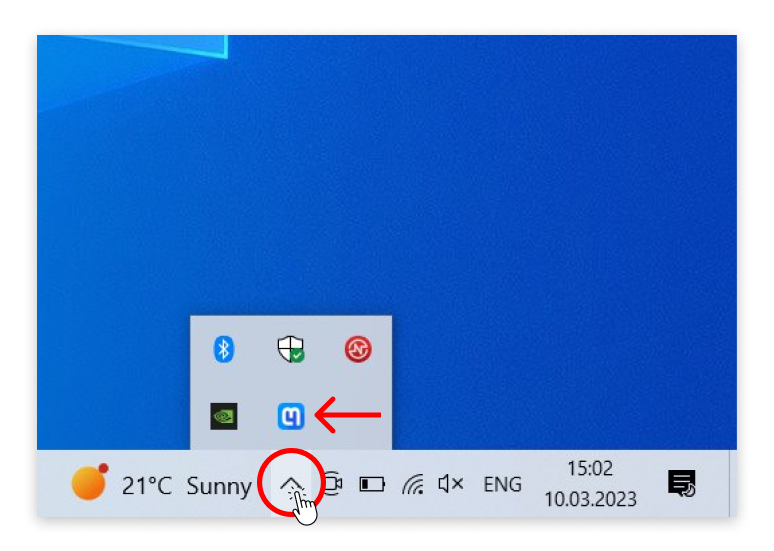
1 / 5
Step 1. Once download is complete, click to open the file. The Setup Wizard will appear on your screen to take you through the installation. Click Next to begin.
What’s next?
Before you can start using the app, you must log in with your Mathpix Snip account. Don’t have an account yet? You can sign up in the app or at accounts.mathpix.com. A full guide for creating your account can be found here.
Taking your first Snip
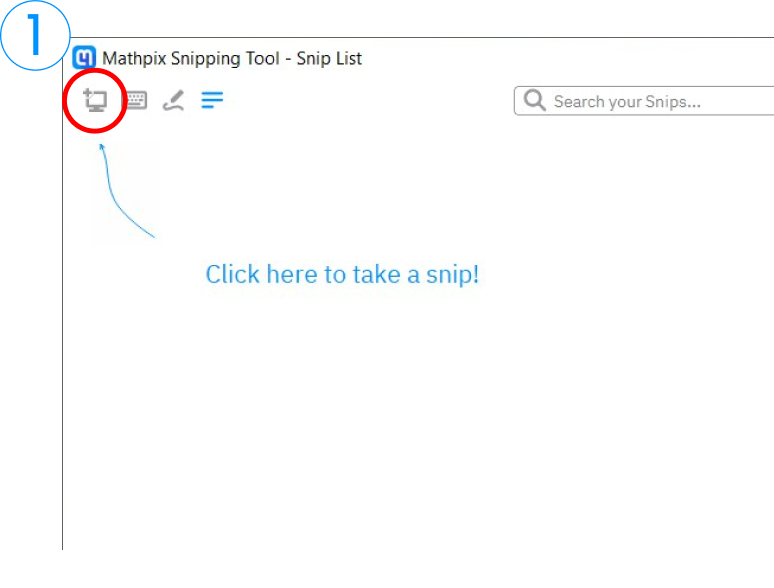
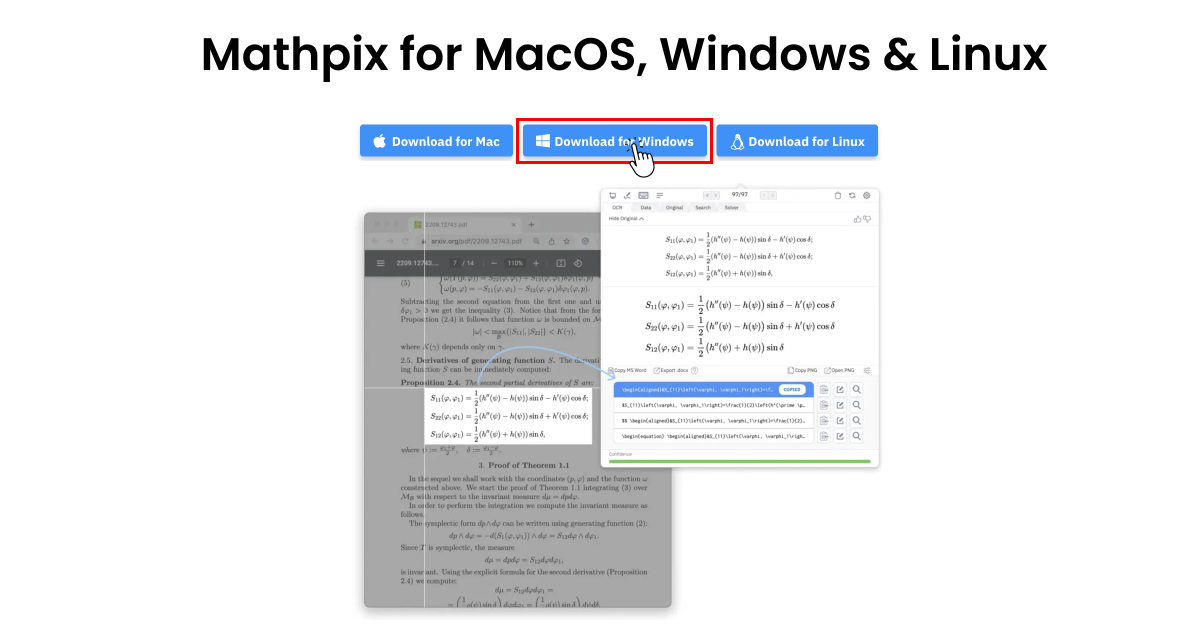
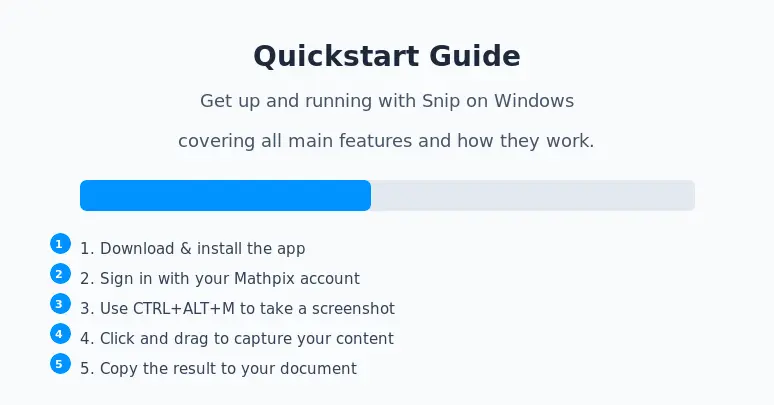
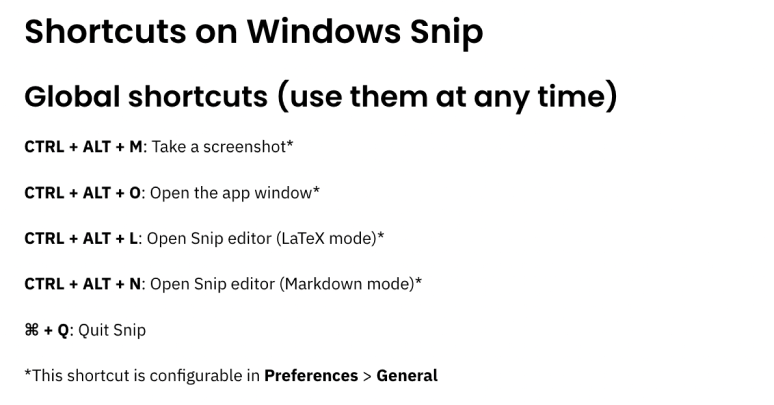
1. Click the Screenshot button in the top left corner of the app. You can also enter the keyboard shortcut (CTRL+ALT+M) anytime the app is running on your computer.
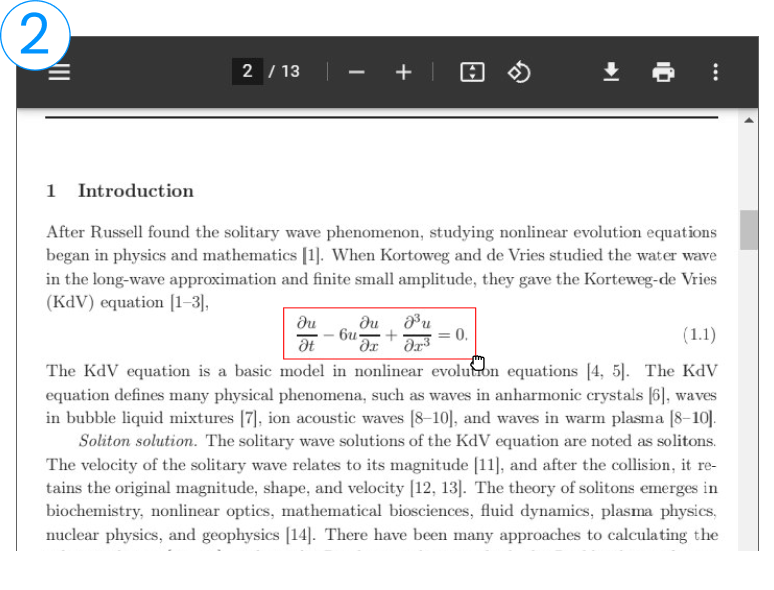
2. After either clicking the Screenshot button or entering the keyboard shortcut, click and drag your cursor to capture the desired area of your screen.
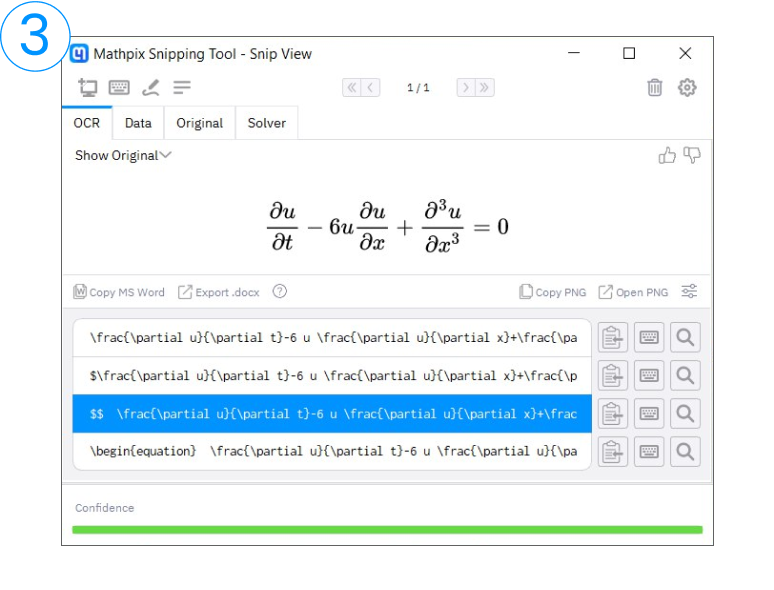
3. Instantly get the result. Click on any text and LaTeX format to copy the result to your clipboard. All you need to do now is paste the result into your document.
Formats
The formats are spread across three tabs:
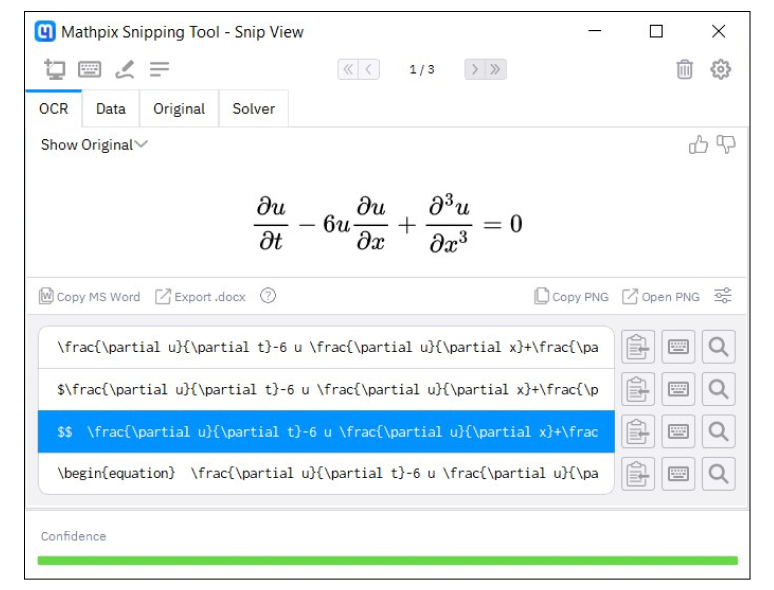
OCR
Text and LaTeX, PNG/TIFF of the rendered result.
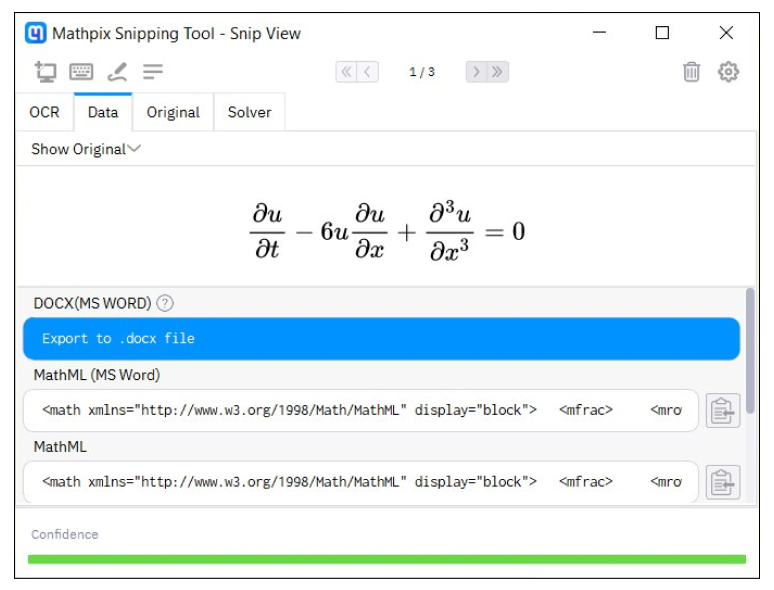
Data
Alternative text formats like DOCX, MathML, AsciiMath.
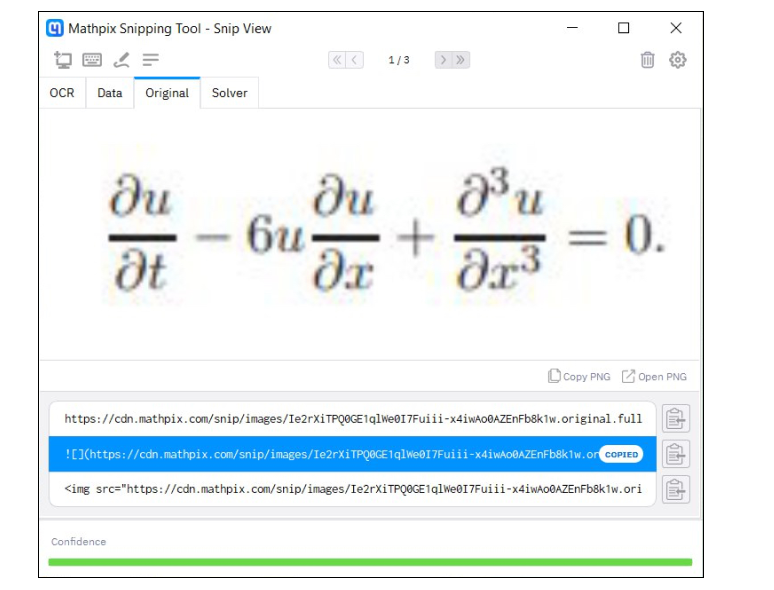
Original
Image URLs or PNG/TIFF of the original image.
Get more done on the go
Download the Snip app for mobile and tablet to work with your Snips anywhere.
Seamlessly transfer your digitized math content between devices and unlock the power of converting handwritten math equations, tables, and diagrams using your smartphone camera.