
Image to LaTeX
Take a screenshot of any equation, table, or text and instantly get LaTeX, Markdown, or plain text. One keyboard shortcut away.
Available on macOS, Windows, and Linux
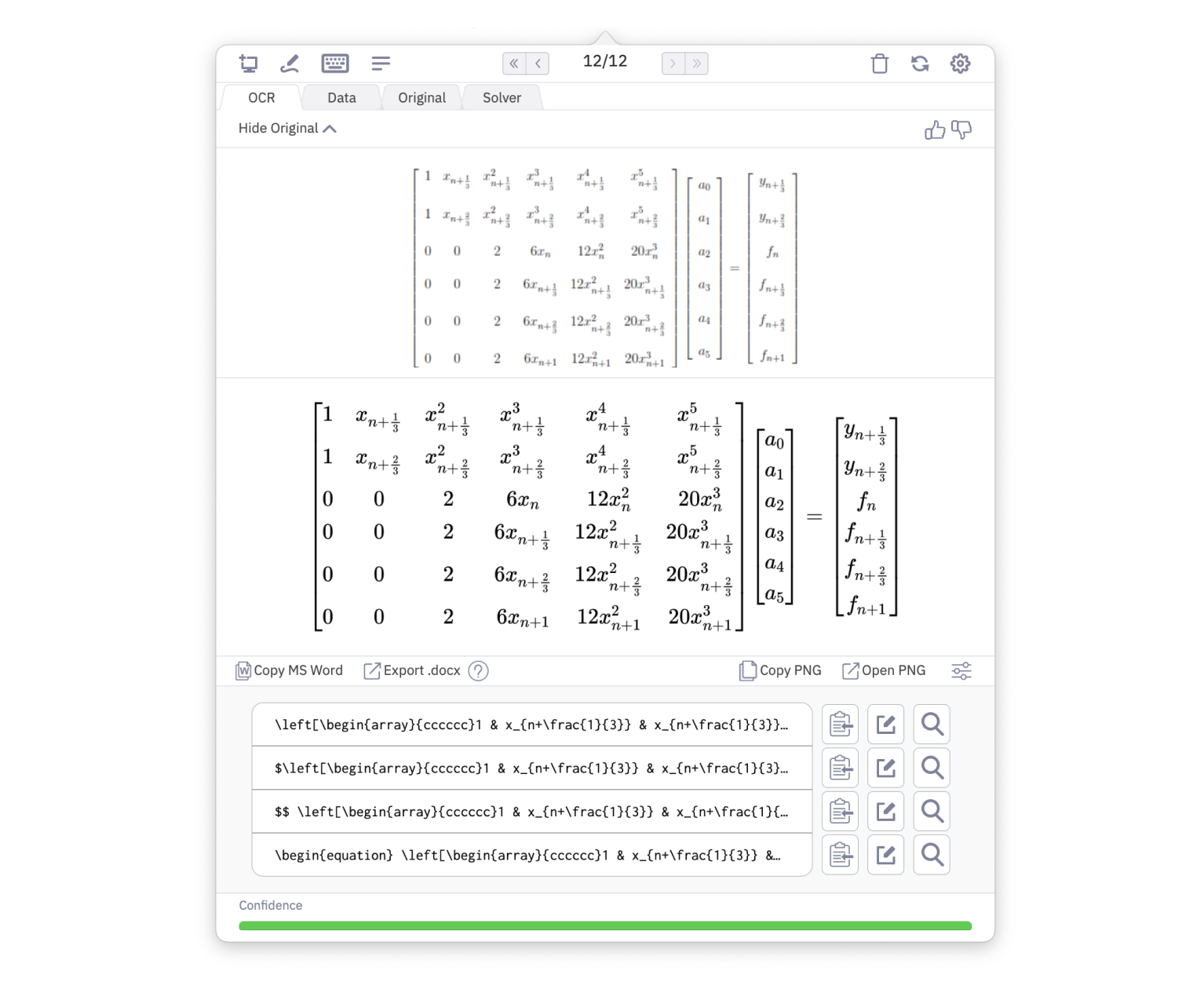

Capture
Select any region of your screen with a customizable global keyboard shortcut. Works with any application.

Copy and Paste
Results are instantly copied to your clipboard. Paste LaTeX into Overleaf, MathML into Word, or plain text anywhere.

Cloud Storage
All your snips are saved and searchable in the cloud. Access your history from any device.
How It Works
Four Simple Steps
1
Create a New Snip
Press your keyboard shortcut to activate the screen capture overlay.
2
Take a Screenshot
Drag to select the region containing the equation, table, or text.
3
Convert Instantly
Mathpix OCR processes the image and returns LaTeX, Markdown, or other formats.
4
Paste the Result
The result is copied to your clipboard. Paste it into your document or editor.
Tools
Built-In Tools
Snip Editor
Edit and refine OCR results with a built-in editor that supports math preview.
Snip Search
Search through all your past snips by content, including math notation.
Advanced Language Support
Recognize text in 100+ languages including CJK, Arabic, and Devanagari scripts.
Digital Ink Support
Write on a tablet or touchscreen and get real-time recognition of math and text.
Use Cases
What Can You Convert?
Math to LaTeX
Screenshot any printed or handwritten equation and get clean LaTeX code.
Math to MS Word
Copy equations from images directly into Microsoft Word with proper formatting.
Chemistry to SMILES
Convert chemical structure diagrams to SMILES notation for computational chemistry.
Table Conversion
Extract tables from screenshots and convert to LaTeX, TSV, CSV, or Markdown.