
Creating an API key
How do I get an API key?
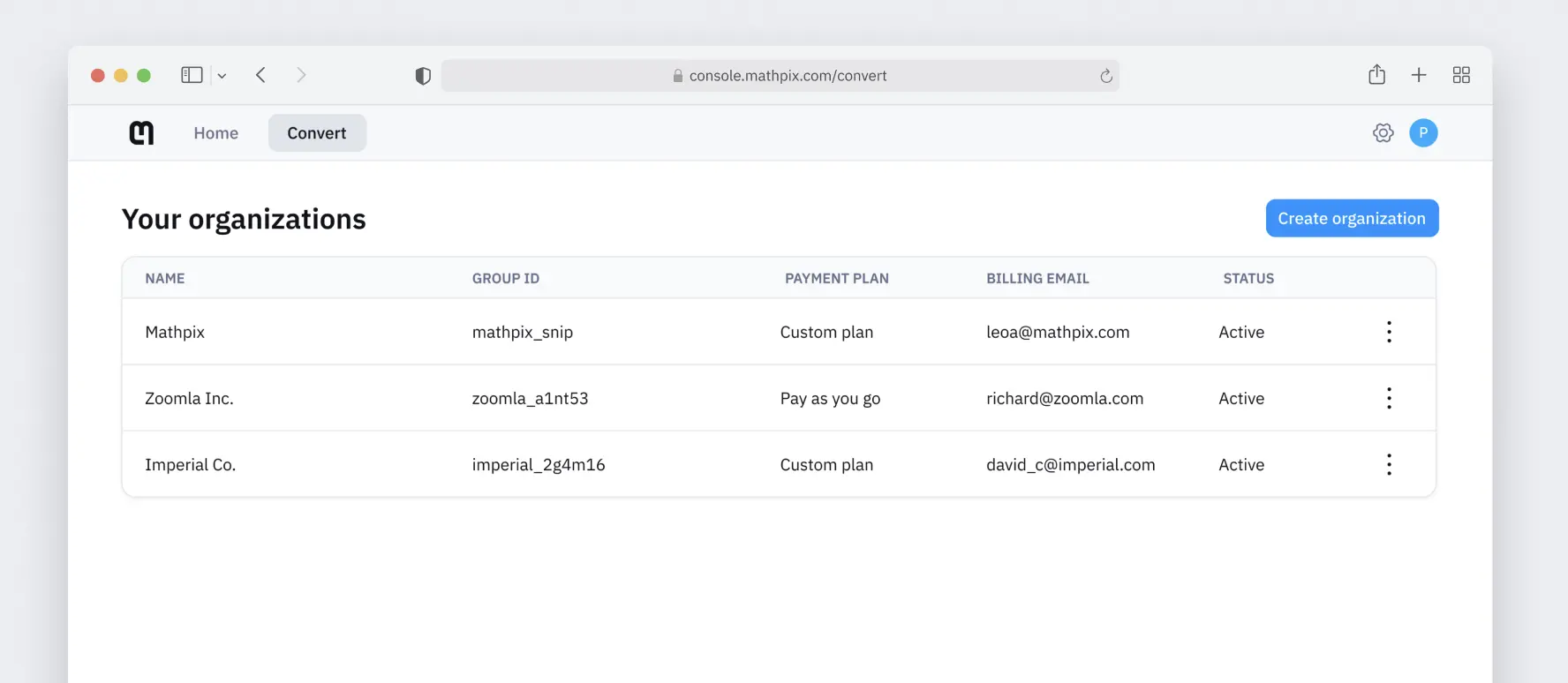
To get an API key, first sign up for a Mathpix account. Once you have verified your email and logged in, you will need to create an organization. Open console.mathpix.com/orgs and click Create organization at the top right:
Choose the Pay as you go plan and click Pay now:
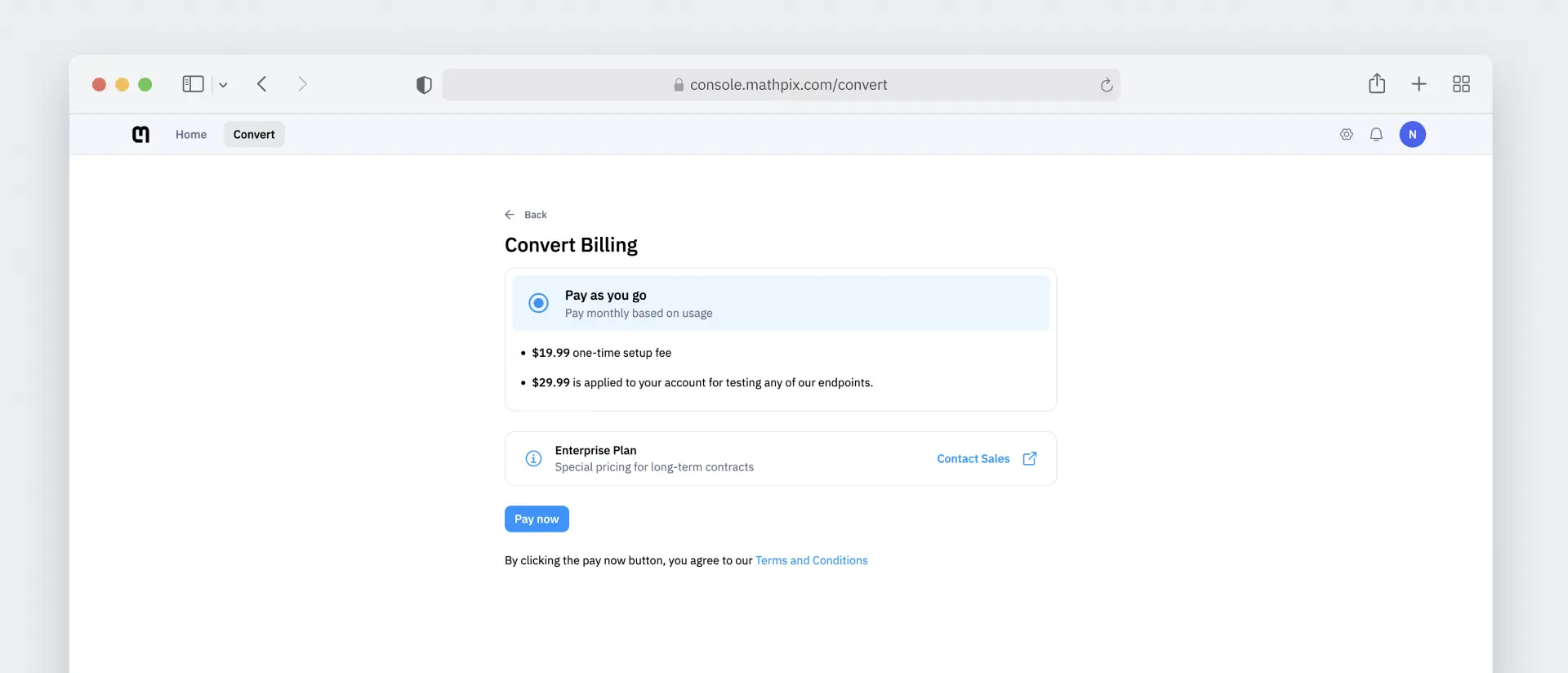
You will be required to add a credit or debit card in order to activate an API key. You will also be charged a one-time, non-refundable setup fee to enable your API keys, and a testing credit is applied to your account — see Billing for the current amounts.
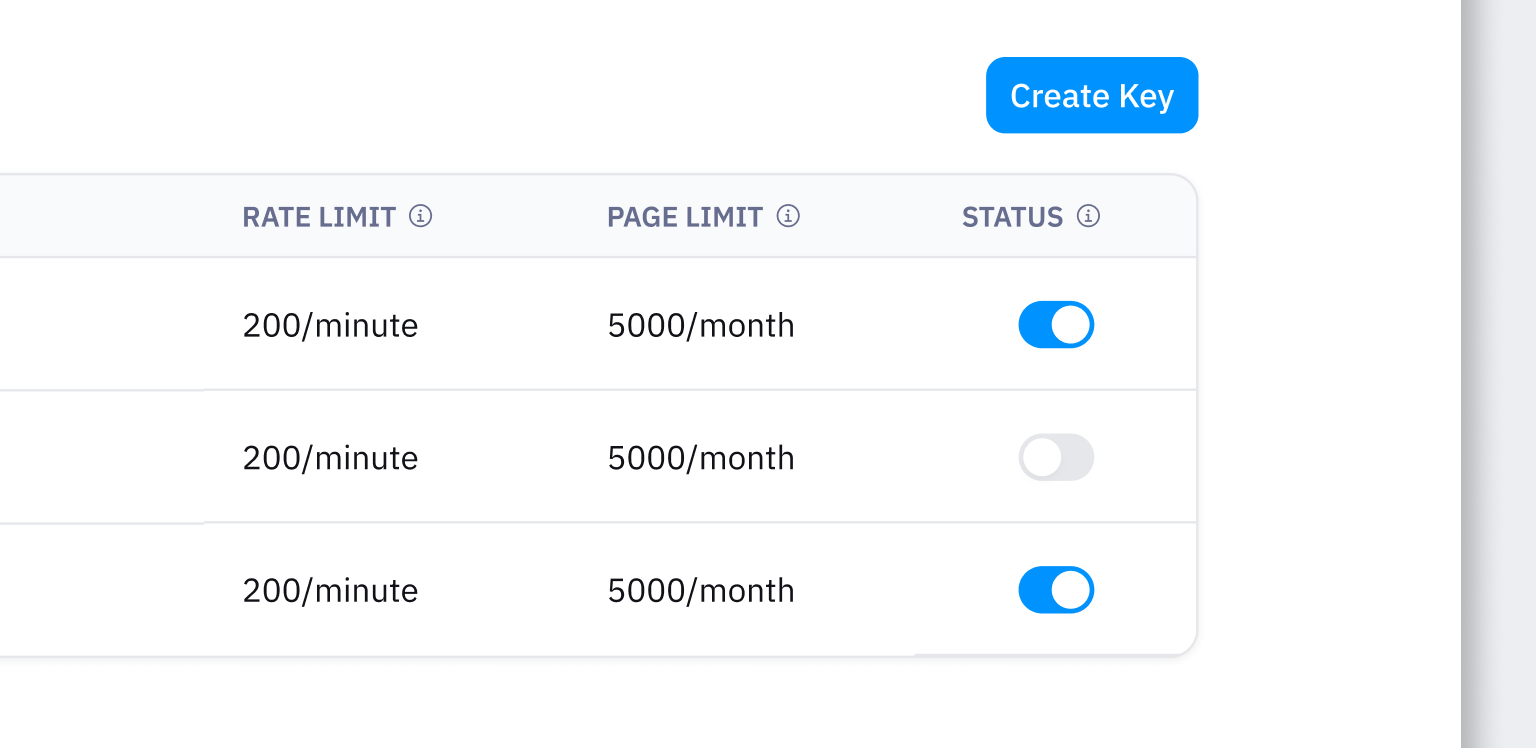
Once you have created your organization, added your billing information, and paid your setup fee, you will see an API key on your dashboard that is ready to use. If you need additional API keys, you can create them by clicking Create Key:
Newly created or updated keys can take up to two minutes to become active.
Creating a key requires the admin role on the organization. See Members and roles.
Using your key
Each key is a pair: an
app_id and an app_key, both shown in the API Keys table. Send them as headers on every request:curl -X POST https://api.mathpix.com/v3/text \
-H 'app_id: APP_ID' \
-H 'app_key: APP_KEY' \
-H 'Content-Type: application/json' \
--data '{"src": "https://mathpix-ocr-examples.s3.amazonaws.com/cases_hw.jpg"}'
Never ship an
app_key inside a mobile or browser app. Use app tokens or a server-side proxy instead — Authorization compares the two designs.Managing your keys
The API Keys tab lists every key with its name, app ID, app key, rate limit, page limit, status, and creation date. From that table you can:
- Name a key. Names must be at least four characters. Because usage charts, exports, and alerts are all per key, giving each key the name of the environment or workload it serves (
staging,ingest-pipeline) makes everything downstream readable. - Enable or disable a key. Disabling a key stops it authenticating immediately, without deleting it or its history. This is the fastest response to a leaked key. Admin only.
- See its limits. The rate and page limits shown are per key. To raise them, use the Requests tab — see Rate and page limits.
- Set Improve Mathpix. The key settings dialog has an Improve Mathpix toggle controlling whether Mathpix may retain images and documents sent with that key to improve OCR quality. Once set on a key it overrides the
improve_mathpixrequest flag — see Privacy.
Organizations have a maximum number of keys. The API Keys tab shows how many you have left; to raise the ceiling, request an API key limit increase from the Requests tab.
Where to go next
- Quickstart — your first request, in cURL or Python.
- Playground — try an endpoint from the browser, no code.
- Usage and results — inspect individual requests, chart traffic, export CSV, and set alerts.